
محتوای اضافی (DLC)
Nyanco Desktop Mascot : Nitori-UNK
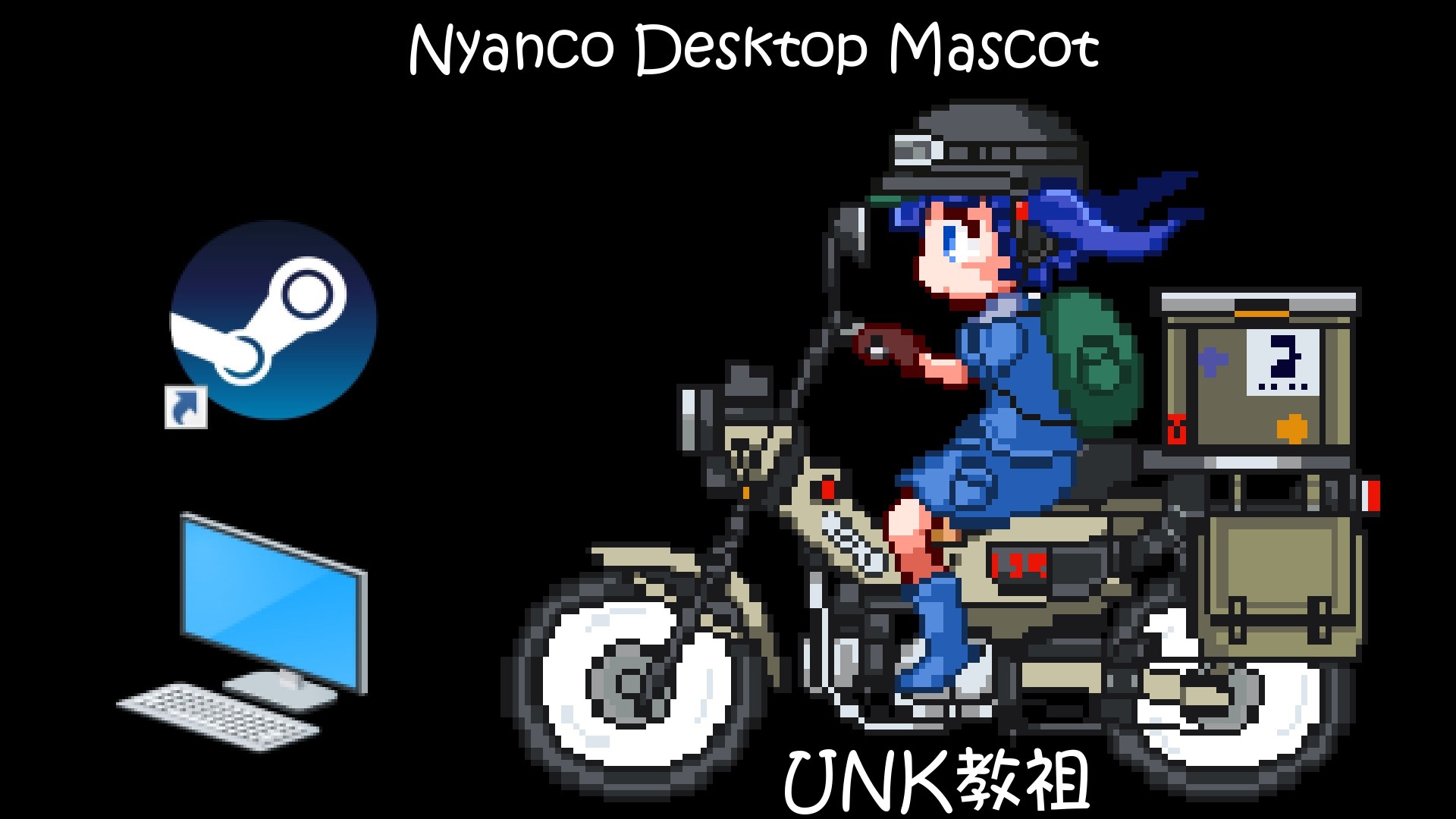
This DLC adds "Nitori (UNK教祖)" to Nyanco Desktop Mascot.
This DLC adds "Nitori (UNK教祖)" to Nyanco Desktop Mascot.
How to set or change the DLC mascot you want :
- Find images in the DLC folder for the mascot character
- Copy and paste them into the images folder
- Close the app and restart it
How to find the DLC folders of this app :
Steam Client -> Right-click the app -> Properties -> Local Files -> BrowseHow to close the app :
- Click the mascot and press the “ALT + F4” keys at the same time
- You can also close the app by pressing the "STOP" button located on your Steam client.
Disclaimer :
The mascot character, "Nitori (UNK教祖)" included in this DLC isn't related in any way to the original Touhou Project.نیازمندیهای سیستم
حداقل
Minimum:
- OS *: Windows® 7/8/8.1/10
- Processor: Intel Core i5-4430 / AMD FX-6300
- Memory: 4 GB RAM
- Graphics: NVIDIA GeForce GTX 960 2GB / AMD Radeon R7 370 2GB
- Storage: 10 MB available space
پیشنهادی
Recommended:
- OS *: Windows® 7/8/8.1/10
- Processor: Intel Core i5-6600K / AMD Ryzen 5 1600
- Memory: 8 GB RAM
- Graphics: NVIDIA GeForce GTX 1060 3GB / AMD Radeon RX 580 4GB
- Storage: 10 MB available space