
وضعیت
بهزودیقیمت هنوز در استیم اعلام نشده
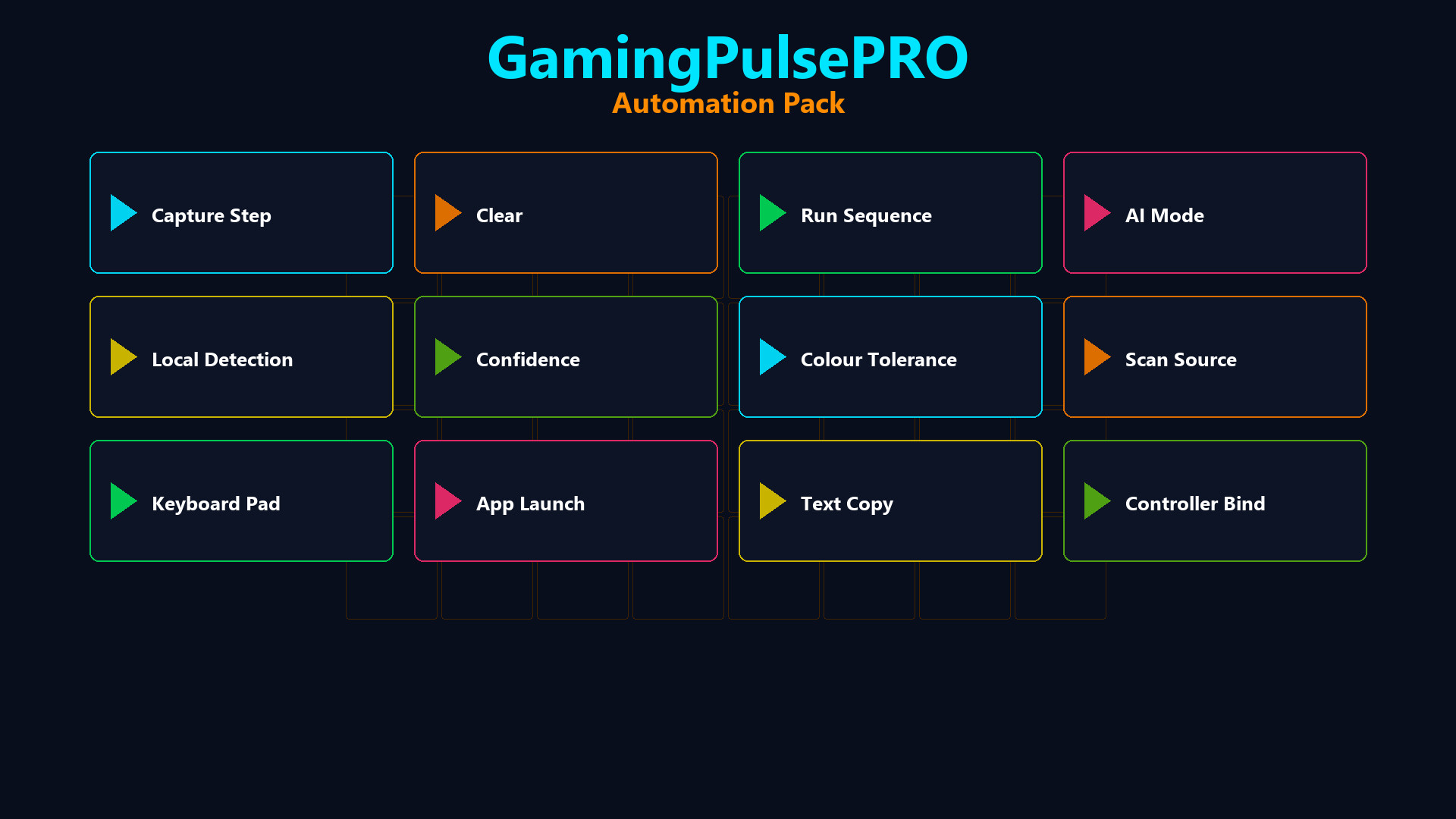
Build visual automation sequences with image search and AI vision recognition. Auto-clicker with humanized timing, macro recorder supporting Bloody/Razer/JSON formats, per-game profiles, controller bindings and an AI command executor that reads your screen.
⚙️ GamingPulsePRO — Automation Pack
The ultimate automation toolkit for gamers. Record macros, build visual click sequences with image search, let AI see your screen and execute commands, and turn any keyboard into a macro pad with per-game profiles. 🎯
🖱️ Auto-Clicker
⏱️ Click Interval
Adjustable from 1 to 2 000 ms with a precision slider. Four quick presets: Spam (50 ms) · Fast (100 ms) · Normal (250 ms) · Slow (500 ms).
🖱️ Button & Click Type
Left, Right or Middle button. Single or Double click. Choose how the clicker fires.
📍 Position Modes
Current — follows your cursor. Fixed — lock to specific X/Y coordinates for unattended clicking.
🔁 Repeat Controls
Unlimited mode or set a specific repeat count. The clicker stops automatically when finished.
🎲 Humanization
Add random variance (±1–100 ms) to each click interval for natural-looking automation that avoids detection.
🎬 Macro System
⏺️ Macro Recorder
Press REC to capture mouse moves, clicks and key presses. Stop recording with F10. All actions are timestamped with precise delays.
📂 Multi-Format Import
Import macros from Bloody (.amc), Razer Synapse (.xml) and native JSON (.json). Convert between formats seamlessly.
📝 Macro Editor
Visual step list showing every action: Delay, Move, Click, KeyDown, KeyUp, TypeText. Add, delete, reorder and edit steps manually.
⌨️ Hotkey Binding
Assign a keyboard shortcut to trigger each macro. Edit or clear bindings with dedicated buttons.
🔄 Return Cursor
Optionally return the cursor to its original position after macro completes.
🔍 Visual Scripting — Image Search
✂️ Capture Steps
Select a screen region to create a detection step. The system takes a screenshot of the target and searches for it on screen during execution.
📊 Match Confidence
Adjustable threshold (50–100%) for how closely the screen must match the captured template.
🎨 Color Tolerance
Tolerance slider (0–100) for minor color variations in dynamic UIs.
🔎 Search Algorithm
Choose between Pixel Search (fast exact match) or Template Matching (flexible region match).
🖥️ Scan Source
Primary Screen, specific monitor or specific window. Restrict the search area to Full Screen or Center 50%.
🎯 Randomize Click
Add ±5 px random offset to each click for natural interaction patterns.
🤖 AI Vision Mode
🧠 AI Provider Selection
Choose from Gemini (Free), OpenAI GPT-4 (Pro), Anthropic Claude, Grok (xAI) or Disabled. Full API key management with validation.
📸 Vision Source
Capture from a specific monitor or a specific window. The AI sees exactly what you see.
📝 AI Command Executor
Write a natural language command (e.g. "Find the Play button and click it") and let AI analyze the screen, locate the element and execute the action.
🔁 Loop Mode
Enable continuous AI execution for repeated automation tasks.
📝 Steps Wizard
A guided workflow builder that helps you create multi-step AI automation sequences without writing code.
🎯 Supported AI Actions
mouse_move · click_text · mouse_click · type_text · key_press · wait · log — all controlled by AI with OCR text matching.
🛡️ Anti-AFK
💤 Stay Active
Keep your character moving in games that kick idle players. Customizable mode, interval and status display.
📦 Extras
- 🎮 Per-game macro profiles
- 🕹️ Controller button bindings for macros
- 💾 JSON-based persistent settings
- 🔄 Hot-swappable profiles
- ⌨️ Global hotkeys — work even when minimized
⚠️ Requires the base GamingPulsePRO application.
نیازمندیهای سیستم
حداقل
Minimum:
- Requires a 64-bit processor and operating system
پیشنهادی
Recommended:
- Requires a 64-bit processor and operating system