
وضعیت
بهزودیقیمت هنوز در استیم اعلام نشده
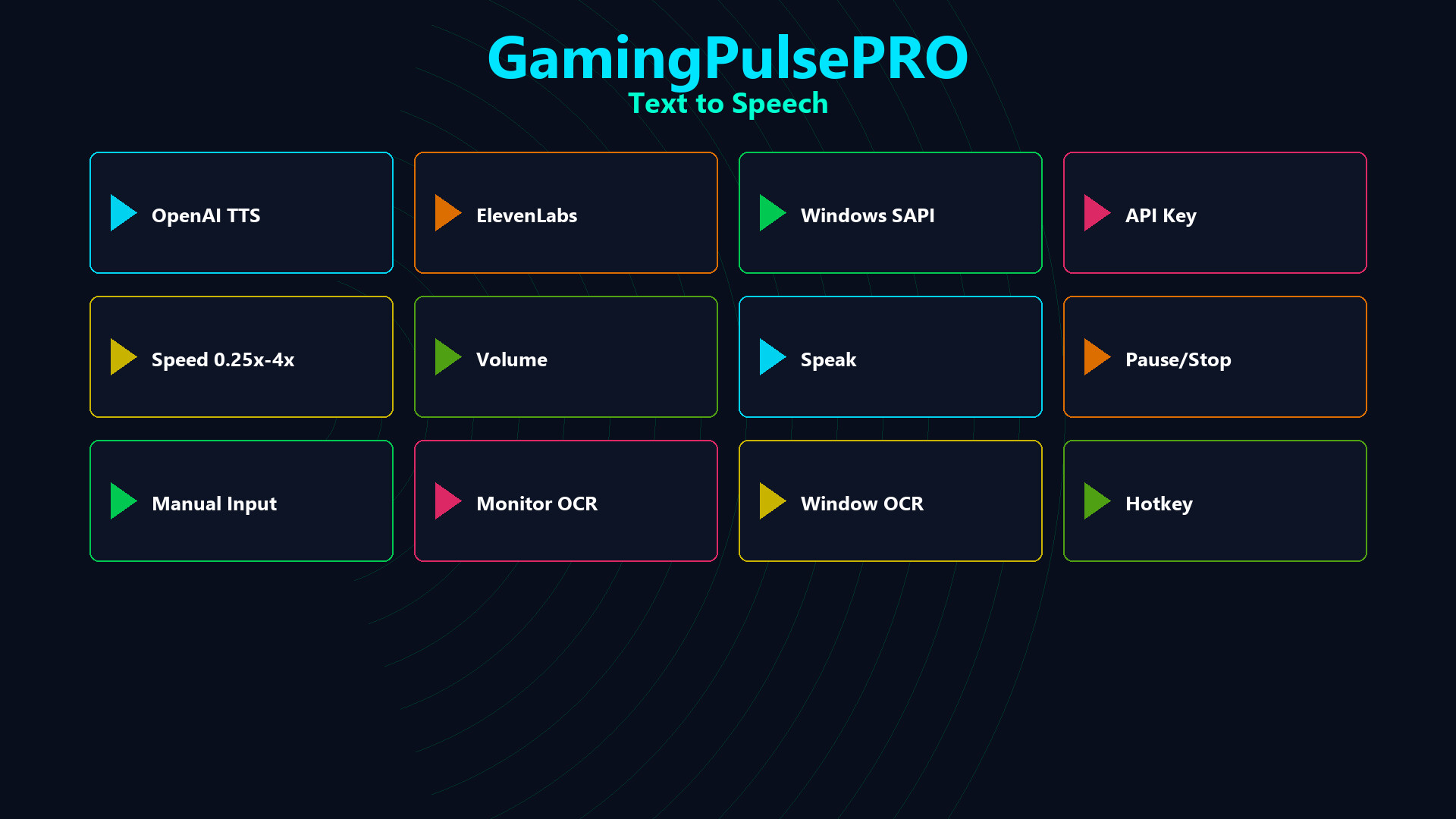
Four TTS engines in one panel — OpenAI (9 voices), ElevenLabs (dynamic voice list), Windows SAPI (offline) and Azure Cognitive. Three input sources: manual text, monitor OCR and window OCR. Speed control, voice presets, live audio waveform visualizer and streaming integration.
🗣️ GamingPulsePRO — Text-to-Speech Engine
Bring your gaming sessions to life with professional-grade text-to-speech. Choose from four powerful engines, three flexible input sources and a real-time waveform visualizer — all accessible from a single sleek panel. 🎙️
🎛️ Four TTS Engines
🤖 OpenAI TTS
Nine premium voices: Alloy · Echo · Fable · Onyx · Nova · Shimmer · Ash · Sage · Coral. Cloud-powered with natural intonation and expressiveness. API key required.
🎭 ElevenLabs
Dynamic voice library — fetches your personal and shared voices automatically. Industry-leading voice cloning quality. API key required.
💻 Windows SAPI
Built-in local engine using installed system voices. Zero latency, no internet needed, no API key required. Works completely offline.
☁️ Azure Cognitive Services
Microsoft Azure neural voices with enterprise-grade reliability. Region + API key configuration. Huge multilingual voice catalog.
📝 Three Input Sources
✏️ Manual Input
Type or paste any text directly into the input field and hit Play for instant speech output.
🖥️ Monitor OCR
Captures and reads text directly from your selected monitor in real time. Perfect for reading game chat, subtitles or any on-screen text aloud.
🪟 Window OCR
Captures text from a specific application window. Ideal for reading in-game overlays, chat logs or browser content without capturing the entire screen.
🎚️ Playback Controls
⏩ Speed Control
Adjustable from 0.25× to 4× playback speed. Fine-tune the reading pace for any situation.
🔊 Volume Control
Dedicated volume slider (0–100%) independent from system volume.
⏯️ Transport Controls
Play, Pause, Resume and Stop — full media-player-style controls for speech playback.
🎤 Voice Configuration
🎭 Six Voice Presets
Quick-select from curated presets for different moods and styles. One click to switch voice personality.
🌐 Language Selection
Choose the target language for speech synthesis. Works with all four engines.
🔤 Translation
Translate the input text to another language before speaking — built-in translation pipeline.
🔡 Transliteration
Toggle phonetic transliteration for languages with non-Latin scripts.
🌊 Live Waveform Visualizer
📊 Real-Time Audio Waveform
50-point waveform display refreshing every 50 ms. Watch the spoken audio in real time with a smooth animated visualization.
🎵 Audio Format
24 kHz · 16-bit · Mono — broadcast-quality audio output.
📡 Streaming & Hotkeys
📺 Stream Integration
Send TTS output to your streaming setup. Let viewers hear text-to-speech in real time during live broadcasts.
⌨️ Hotkey Binding
Assign a global hotkey to trigger TTS — speak text even while the app is minimized or in the background.
📦 Extras
- 🔑 Secure API key management per engine
- 💾 Persistent engine & voice selection
- 🎮 Game-aware — reads in-game text hands-free
- 🔄 Switch engines on-the-fly
- 🌍 Multilingual voice support
⚠️ Requires the base GamingPulsePRO application.
نیازمندیهای سیستم
حداقل
Minimum:
- Requires a 64-bit processor and operating system
پیشنهادی
Recommended:
- Requires a 64-bit processor and operating system