

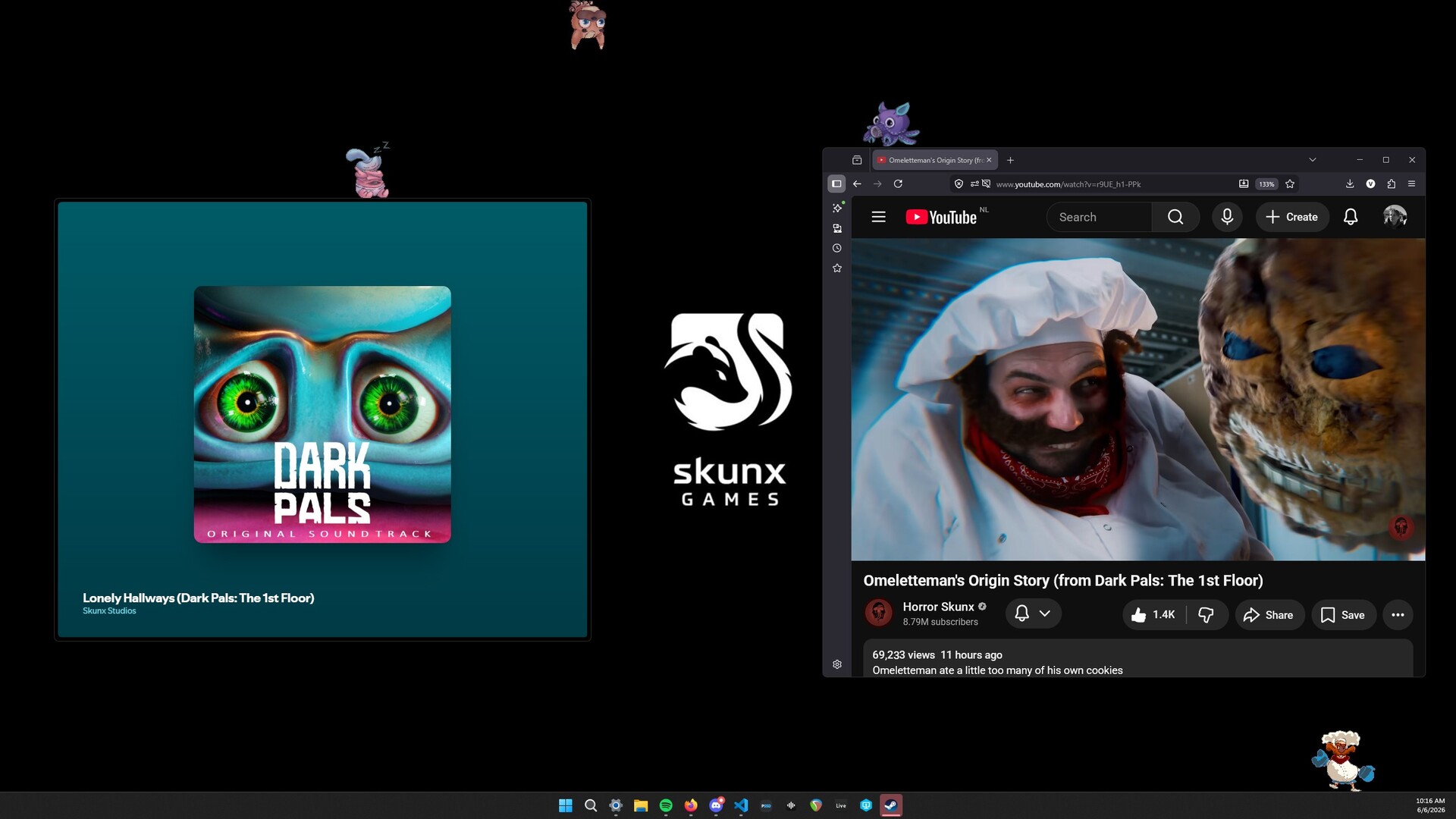
With these Desktop Companions, you can have Omeletteman, Inky, Chompy and Binky running around your desktop and accompanying in your day-to-day activities!
Your support helps us make more Episodes and means the world to us!
With these Desktop Companions, you can have Omeletteman, Inky, Chompy and Binky running around your desktop and accompanying in your day-to-day activities! Drag them around, drop them, have them follow your cursor, or just listen to their cute (or annoying) sounds!
FAQ
Q: Where can I find the Desktop Companions app after I've bought it?
A: Open Steam, then go to Library -> Right click "Dark Pals: The 1st Floor" -> Properties -> Installed Files -> Browse. Here you should see a folder called "Dark Pals - Desktop Companions" that contains an .exe file.
حداقل
- OS: Windows 10
- Processor: 1.6 GHz dual-core processor
- Memory: 4 GB RAM
- Storage: 100 MB available space