
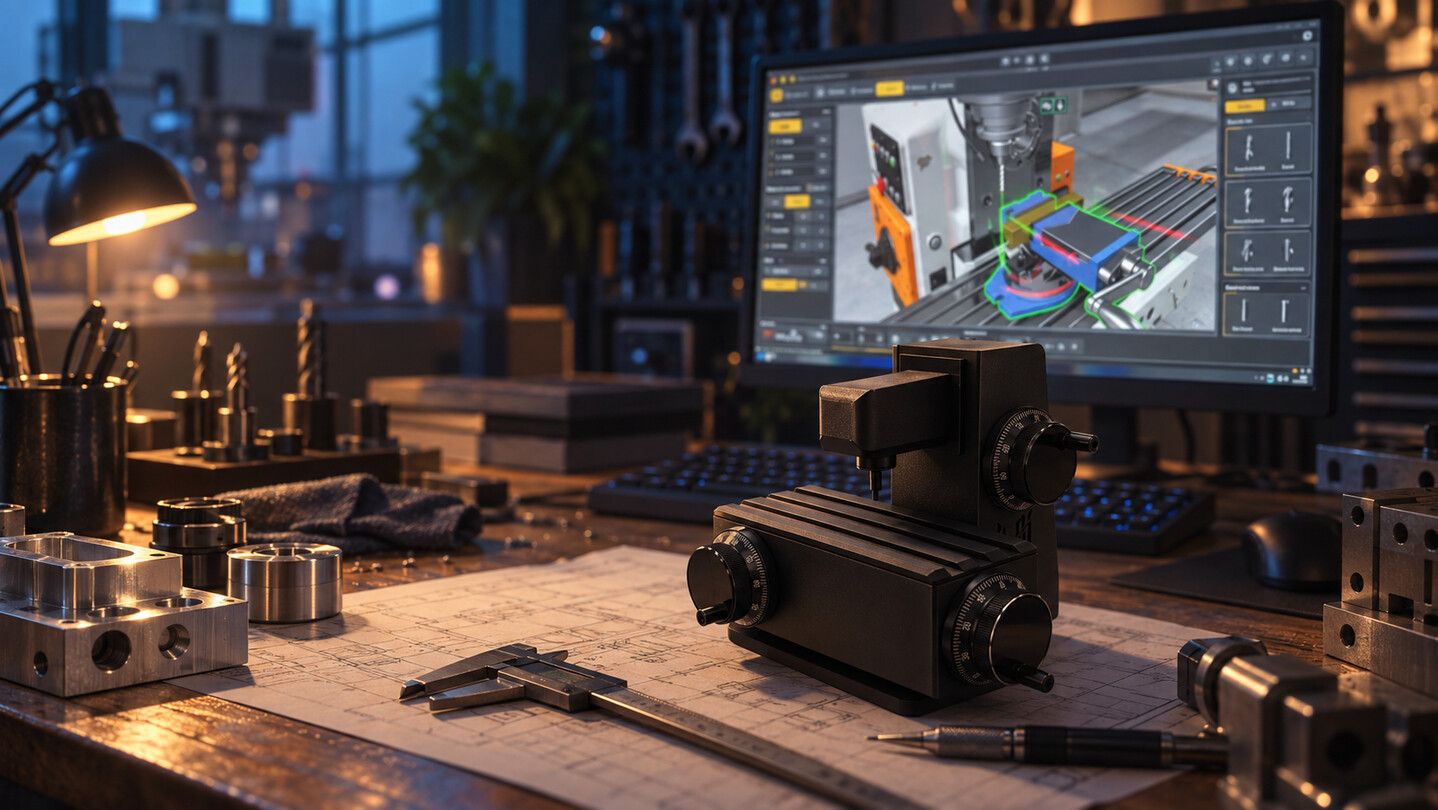
Milling Machine Controller
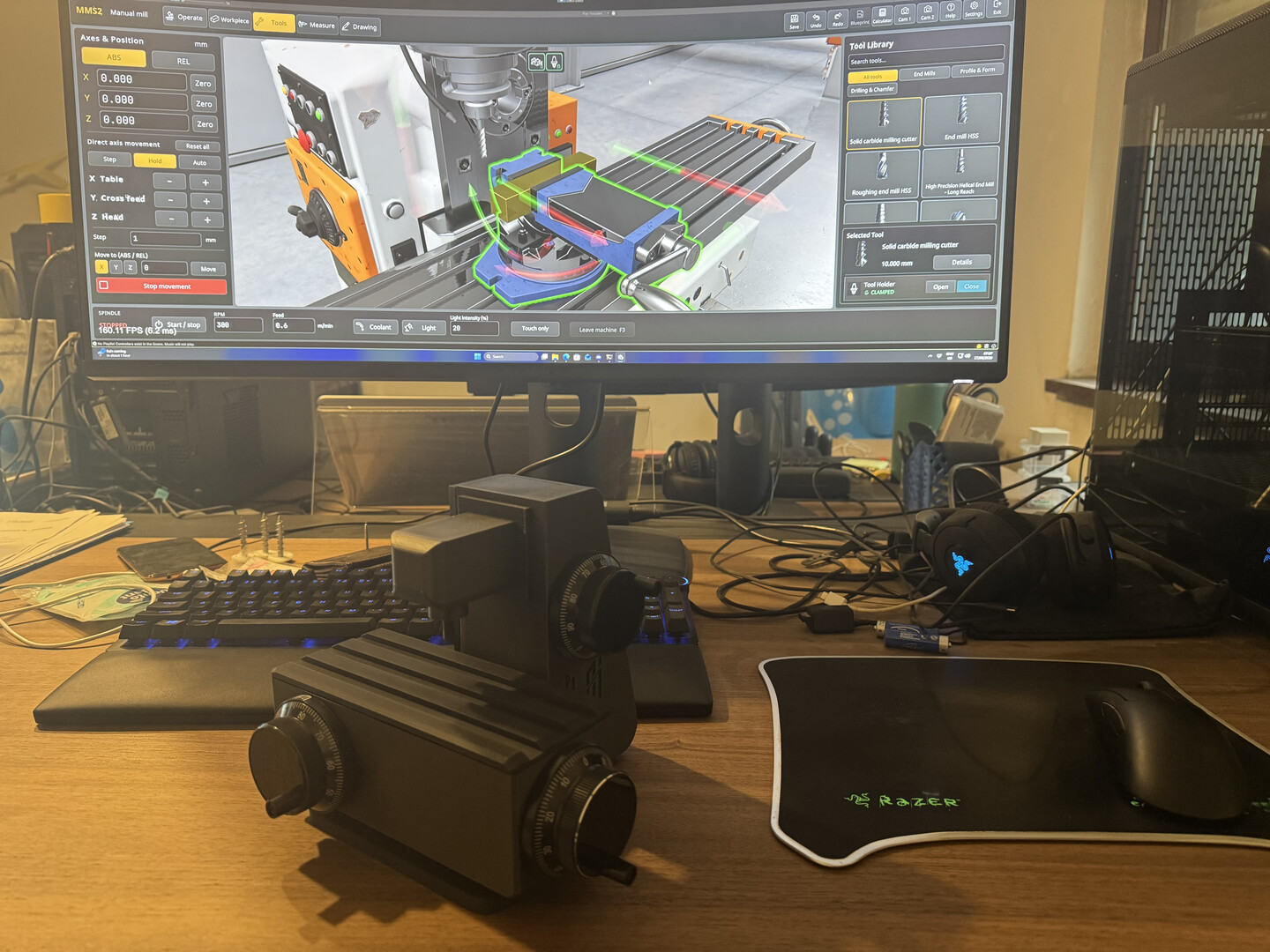
Turn real handwheels and feel your milling table move. This DIY DLC gives you the 3D-print files, a parts list of off-the-shelf components, firmware and the in-game license for a 3-axis USB handwheel controller. No hardware is shipped: you print, wire and flash it yourself.
READ BEFORE BUYING: THIS IS A DIY PROJECT, NOT A PHYSICAL PRODUCT
Nothing is shipped to you. This DLC unlocks the controller in the game and gives you the files to build it yourself. You buy three handwheel encoders and a small Arduino board, 3D print the housing, solder two pin strips, wire it up and upload the firmware. If you are not prepared to build it, do not buy this DLC.
Real handwheels for your virtual milling machine
Stop dragging sliders. With this DLC you build a physical 3-axis controller with real handwheels and jog the X, Y and Z axes of the manual milling machine exactly like on the real thing: turn the wheel, the table moves, the chips fly.
If you have never held a soldering iron, this is a good first project, but it is a project. The build guide assumes no electronics knowledge.
What you get
In-game license that enables the controller in Settings > Controller
3D-print files (STL) for the housing
Complete parts list with links and the wiring diagram
Firmware source code (you upload it with the free Arduino IDE)
Step-by-step build guide
All the files are downloaded directly in the settings page under the Controller tab!
What you need to buy
3x 100 PPR CNC handwheel encoders (MPG, 60 mm, 5 V)
1x Pro Micro board (ATmega32U4, 5 V / 16 MHz, USB-C)
Jumper wires and a USB-C cable
All parts are common CNC and Arduino components available from the usual online shops.
What you need to have
A 3D printer, or a printing service for the housing
A soldering iron, for the two pin strips on the board
A Windows PC with a free USB port
How it works
The controller connects over USB and is detected automatically, no driver or COM port setup. Each handwheel has 100 clicks per turn, and the game reads every click, so fine positioning feels like a real machine. Sensitivity is adjustable in the settings. Mouse and keyboard keep working alongside the controller, so you can mix both at any time, and the game plays exactly as before when the controller is unplugged.
Good to know
Requires the base game Milling Machine Simulator
Currently supports the manual milling machine (X, Y, Z)
Windows only